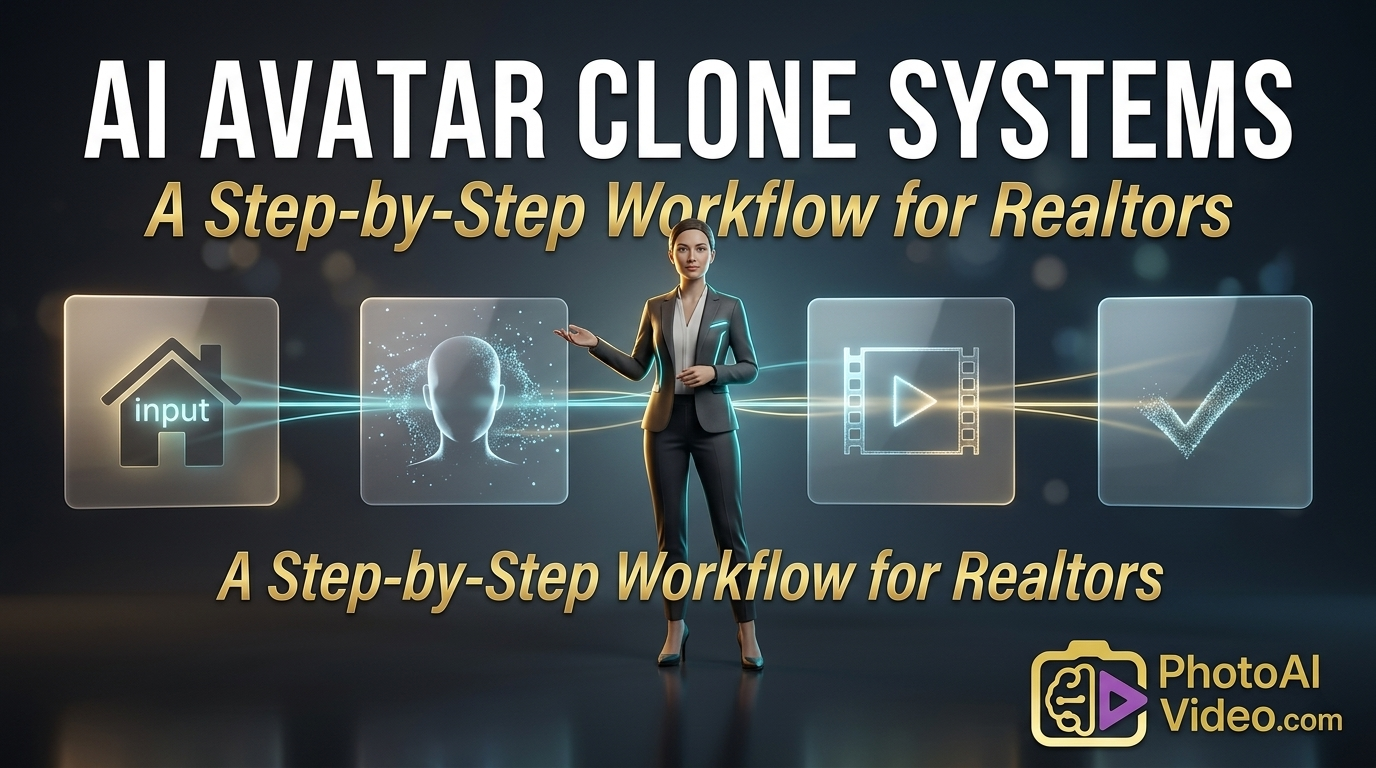
AI Avatar Clone Systems: A Step-by-Step Workflow for Realtors

Cloudpano
March 27, 2026
5 min read
Share this post

AI Avatar Clone Systems: A Step-by-Step Workflow for Realtors

Imagine this: It’s 9:00 PM on a Tuesday. You just closed a difficult deal, your phone hasn't stopped buzzing with new leads from a weekend open house, and you still haven't recorded the three property walkthroughs you promised your social media followers. 😫

Your lighting gear is in the trunk of your car, you’re exhausted, and the thought of putting on a suit to "perform" for a camera feels like a mountain you just can't climb.

This is the "Content Wall" that almost every successful realtor hits. You know that video is the lifeblood of modern marketing, but there simply aren't enough hours in the day to be a top-producing agent and a full-time film director.

But what if you didn't have to be the one on camera? What if you had a digital twin—a hyper-realistic clone—that could speak to your clients, showcase your listings, and provide market updates while you were actually out in the field closing deals?

Welcome to the world of AI avatar real estate videos. This isn't science fiction anymore; it’s a systematic workflow that is helping agents reclaim dozens of hours every month. Let’s break down the exact step-by-step system to build your own automated video engine.

What is an AI Avatar Clone System?

Before we dive into the "how," let’s clarify the "what." An ai real estate video avatar is a digital representation of a human presenter. In the most advanced systems, this can be a custom-built "clone" of you.

By using sophisticated deep-learning technology, platforms like Photoaivideo can take a few minutes of your footage and create a digital version of you that moves, blinks, and speaks exactly like you do. Once the clone is built, you never have to stand in front of a camera again. You simply type a script, and your automated real estate video presenter delivers the message in a professional, cinematic studio setting.

This system allows for a "Batch Production" mindset. Instead of one video taking three hours, you can generate ten videos in thirty minutes.

Step 1: Auditing Your Video Needs

The first step in building your workflow is identifying where video is currently failing you. Most realtors struggle with three specific types of content:

  1. The New Listing "Pulse": Quick updates to announce a property is live.
  2. Educational Market Updates: Explaining interest rates or local inventory shifts.
  3. Lead Follow-Up: Personalized greetings for new website registrations.

By using ai avatar real estate videos, you can automate these repetitive tasks. Start by listing the five videos you should have made this week but didn't. These are your first candidates for the AI workflow.

Step 2: Creating Your Digital Twin (The Setup)

If you choose to use a custom clone rather than a stock character, the setup is a "one-and-done" event.

  • The Recording: You’ll need about 2–5 minutes of high-quality footage of yourself speaking. Use a tripod and ensure your lighting is clear.
  • The Wardrobe: Wear your standard "work uniform." Whether that’s a sharp suit or a professional polo, this is how your digital twin will appear in every video moving forward.
  • The Processing: Upload your footage to the AI platform. The system will map your facial movements and voice tone.

Step 3: The Scripting Engine

The biggest hurdle to video isn't usually the camera; it’s the script. To make your workflow truly automated, you should leverage AI twice: once to write the script and once to perform it.

  • Tip: Use your property descriptions from the MLS. Copy the "Public Remarks" and ask an AI writing tool to "Convert this into a 60-second engaging video script for a home buyer."
  • Action: Ensure your script includes a "Hook" in the first 3 seconds and a "Call to Action" at the end.

Step 4: Batch Production Workflow

This is where the magic happens. Instead of making videos one by one, you should produce them in batches. To help you visualize the time savings, here is how the AI workflow stacks up against the traditional manual process.

Task Category Traditional "Manual" Process AI Avatar Clone System
Equipment & Setup Lights, Mic, Camera, Backdrop (30 mins) None (Software based)
Performance Time Multiple takes, memorizing scripts (45 mins) Text-to-Speech (Instant)
Editing & B-Roll Cutting "umms," syncing audio (60 mins) Automated visual syncing (5 mins)
Total Time (per video) ~2.5 Hours ~10 Minutes

Step 5: Distribution and SEO Optimization

Creating ai avatar real estate videos is only half the battle. To get "fast indexed" by Google and seen by local buyers, you need to be smart about how you post.

YouTube Strategy

When you upload your video to YouTube, don't just use the property address as the title. Use "Searchable" titles.

  • Instead of: "123 Main St Walkthrough"
  • Use: "What $500k gets you in [Neighborhood Name] | 123 Main St Tour"

The "Internal Link" Secret

If you embed these videos on your website, make sure the page has internal links to your "Search Homes" page and your "Contact Me" page. Google's crawlers follow these links, which helps your entire site rank higher.

External Authority

To build even more trust, reference market data from reputable sources like the National Association of REALTORS® (NAR) or local MLS reports. This makes your ai real estate video avatar sound like a true market expert. You can also check out tech-forward real estate trends on sites like Inman News or RealTrends to stay ahead of the curve.

Maintaining the "Human Touch"

A common worry among realtors is: "Will my clients feel like I'm being lazy by using an AI?" The irony is that clients usually feel the opposite. When you provide a high-quality video update within 10 minutes of a new listing hitting the market, they see responsiveness and innovation.

To maintain that human connection:

  • The "Hybrid" Approach: Use your AI avatar for 80% of your high-volume content. Use your real self for the 20% that requires deep empathy (closing day celebrations).
  • Be Transparent: It is perfectly professional to say, "I’ve created this AI assistant to keep you updated in real-time while I'm on the road with clients." Most people find it impressive.

Conclusion: Scale Your Business, Not Your Hours

The real estate industry is moving toward a "Video-First" future. The agents who win won't necessarily be the best actors or the best filmmakers; they will be the best systems builders.

By implementing an ai real estate video avatar workflow, you are removing yourself as the bottleneck in your own marketing. You are choosing to work on your business instead of being stuck in the production studio.

Start small, batch your content, and let your digital clone handle the "show" while you handle the "sold." 🚀

Ready to build your first digital twin? Head over to Photoaivideo and see how easy it is to automate your presence and dominate your local market.

🚀 Your All-In-One Virtual Experience Stack Starts Here

Share this post
Cloudpano

Choose The Right 360° Camera

Insta360 ONE RS 1-Inch 360 Edition

  • Compact, ready to go anywhere

  • Interchangeable lens that’s upgradeable

  • Dual 1-inch sensors for improved clarity and low light performance

  • Dynamic range and 6K 360° capture

  • 360° photo resolution at 21MP

Learn More

Insta360 X4

  • 8K 360° video recording for ultra-detailed visuals.

  • 4K single-lens mode for traditional wide-angle shots.

  • Invisible selfie stick effect for drone-like perspectives.

  • 2.5-inch touchscreen with Gorilla Glass protection.

  • Waterproof up to 33ft for underwater shooting.

Learn More

Ricoh Theta Z1

  • 360° photo resolution in 23MP

  • Slim design at 24 mm thick

  • Built-in image stabilization for smooth video capture.

  • Internal 19GB storage for photo and video storage.

  • Wireless connectivity for remote control and sharing.

Learn More

Ricoh Theta X

  • 60MP 360° still images for high-resolution photography.

  • 5.7K 360° video recording at 30fps.

  • 2.25-inch touchscreen for intuitive control.

  • USB Type-C port for fast charging and data transfer.

  • MicroSD card slot for expandable storage.

Learn More
Property Marketing
Allows potential buyers to explore properties in detail from anywhere, enhancing the real estate marketing process.
Automotive Spins
Create an interactive virtual showroom and engage affluent digital buyers with live 360º video calls, all through the CloudPano mobile app for a complete automotive sales solution.
Interactive Floor Plans
Create 2D and 3D floor plans with measurements in 4 minutes or less, all from your phone. Download the Floor Plan Scanner app and get your first scan free.

360 Virtual Tours With CloudPano.com. Get Started Today.

Try it free. No credit card required. Instant set-up.

Try it free
Latest posts

See our other posts

Interviews, tips, guides, industry best practices, and news.

The Real Estate Restoration Professional’s Guide to Digital Sketching

The Real Estate Restoration Professional’s Guide to Digital Sketching explores the critical shift from manual tape measurements to automated 3D spatial data. The article highlights how CloudPano 3D Measure addresses the most painful bottlenecks in the property industry: costly site re-visits, inaccurate insurance claims, and slow project cycles. Key Takeaways: The 70% Efficiency Gain: How digital twins reduce on-site time from hours to minutes. Carrier-Grade Accuracy: Leveraging Xactimate compatible floor plans to ensure faster claim approvals and fewer disputes with adjusters. The Scan-to-Sketch Advantage: A step-by-step breakdown of turning 360° photos into defensible, high-precision reports. ROI-Driven Workflows: Data-backed evidence showing a reduction in "sketch leakage" and operational overhead for high-volume property managers and restoration pros.
Read post

Standardizing Real Estate Property Data with Automated CSV Measurement Reports

Manual property measurement is an "analog island" in a digital world. Hand-drawn sketches and manual data entry into estimating software create a 7–10% error rate, leading to rejected bids, "supplemental" claim delays, and hundreds of unbilled hours spent on data transcription. The Solution: CloudPano 3D Measure systematizes the field-to-office pipeline. By using 360 Camera Height Calibration, the platform creates a mathematically accurate 3D environment where every dimension is captured instantly. Key Technical Drivers: Data Portability: Move beyond static photos with Automated CSV Measurement Reports that integrate into existing property management and bidding stacks. Calibrated Precision: Establish a "ground truth" using camera lens height or known reference objects for sub-inch accuracy. Operational Scale: Reduce "data capture to report" time from 2 hours to 15 minutes per property.
Read post

The Anatomy of a Real Estate Digital Claim: Using Real-Time 3D Annotations for Evidence

Property documentation is currently a "fragmented narrative." Disconnected 2D photos and handwritten notes create a credibility gap that results in supplemental claims, carrier friction, and the dreaded, profit-eating "return site visit." The Solution: CloudPano 3D Measure provides an Insurance Claim Documentation Platform that turns 360° captures into measurable digital assets. By anchoring Real-time 3D Annotations directly to the physical geometry of the space, adjusters and restoration pros provide undeniable proof of loss. Key Technical Drivers: Calibration Precision: Set one known scale (like a door height) to unlock full-room virtual measuring. .FML File Export for Restoration: Direct data transfer into estimating software, removing the manual re-entry bottleneck. Immutable Evidence: Annotations and moisture readings are pinned to specific 3D coordinates, preventing "interpretive" disputes with carriers. The Bottom Line: CloudPano 3D Measure shifts the industry from "taking pictures" to "capturing data." It’s an ROI engine that reduces the claim lifecycle from weeks to days by ensuring the first site visit is the only site visit.
Read post

